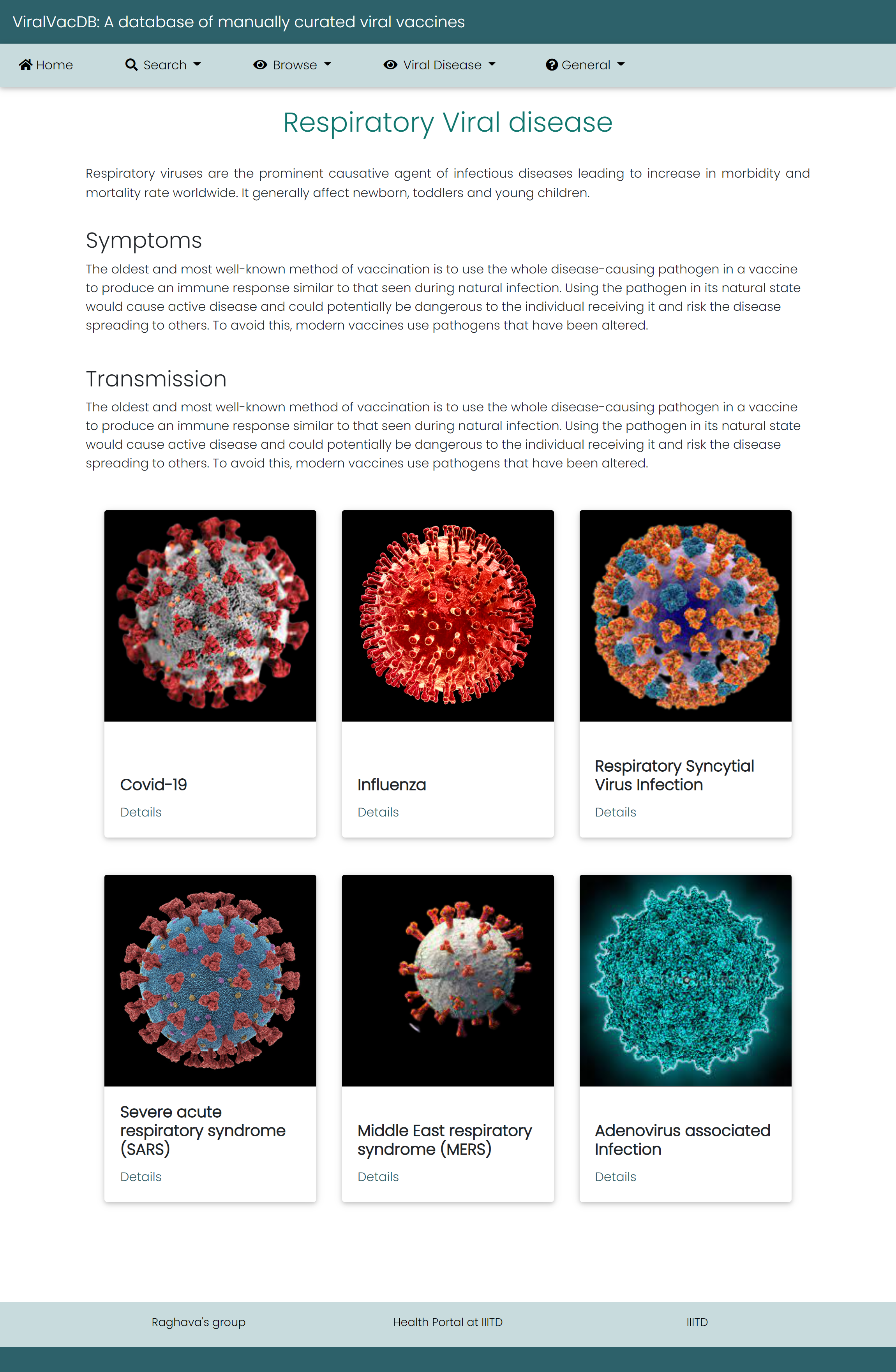
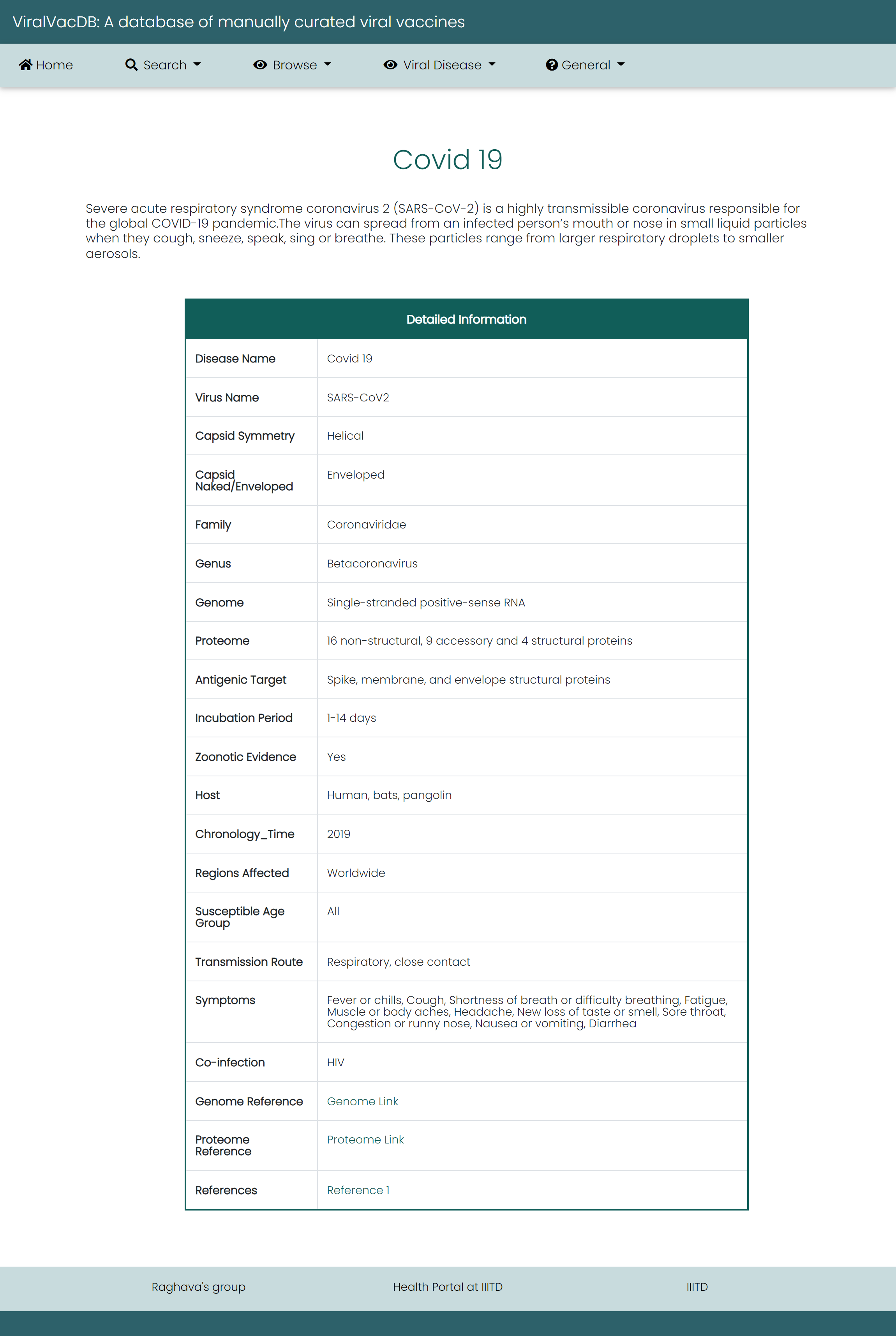
Help Page of ViralVacDB
This page provides help to the users of ViralVacDB database on how to efficiently use this
repository of viral vaccines. For each module which is implemented in ViralVacDB, here
we provide the figures and description on how to use that module. Four general modules are provided
here.
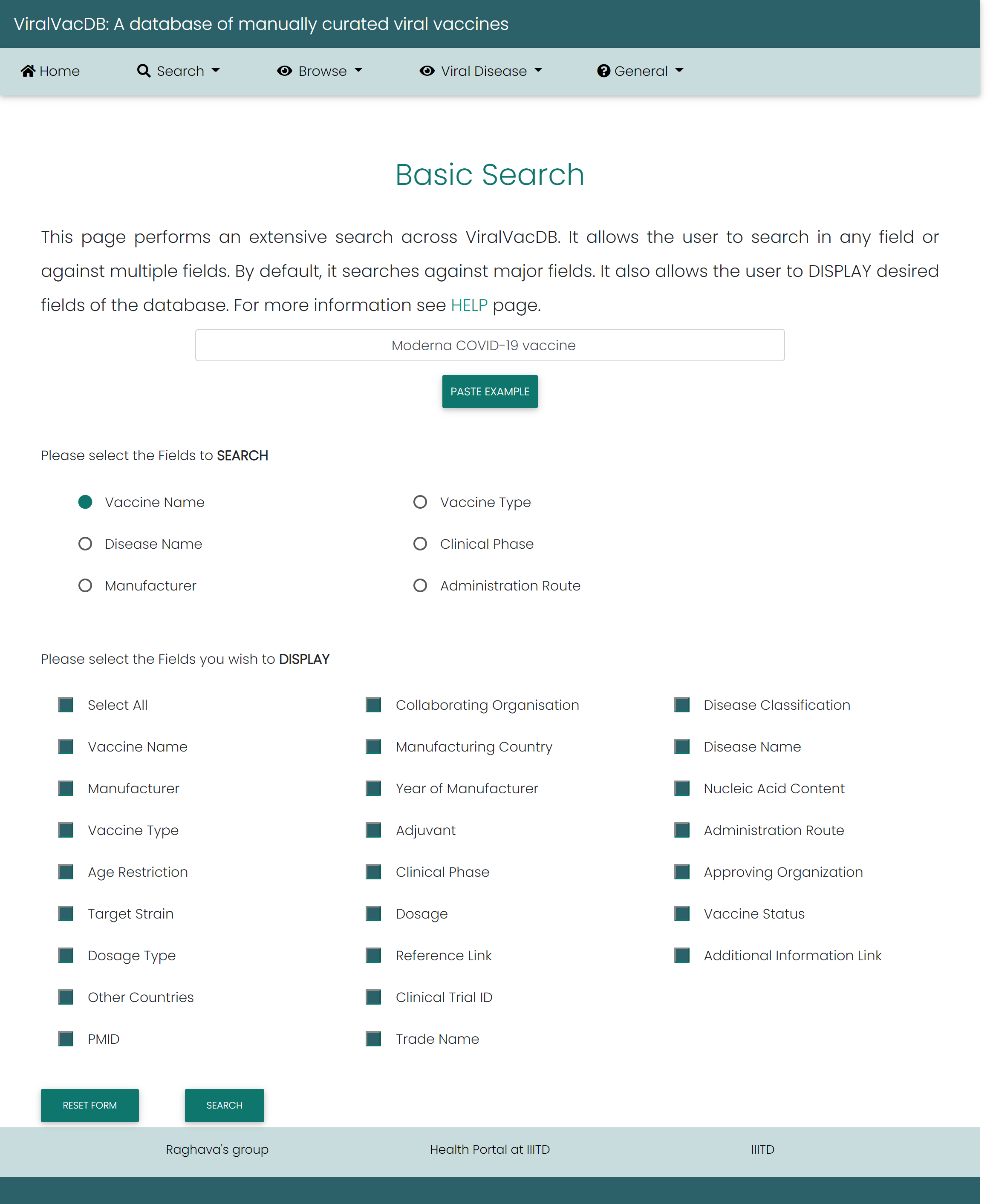
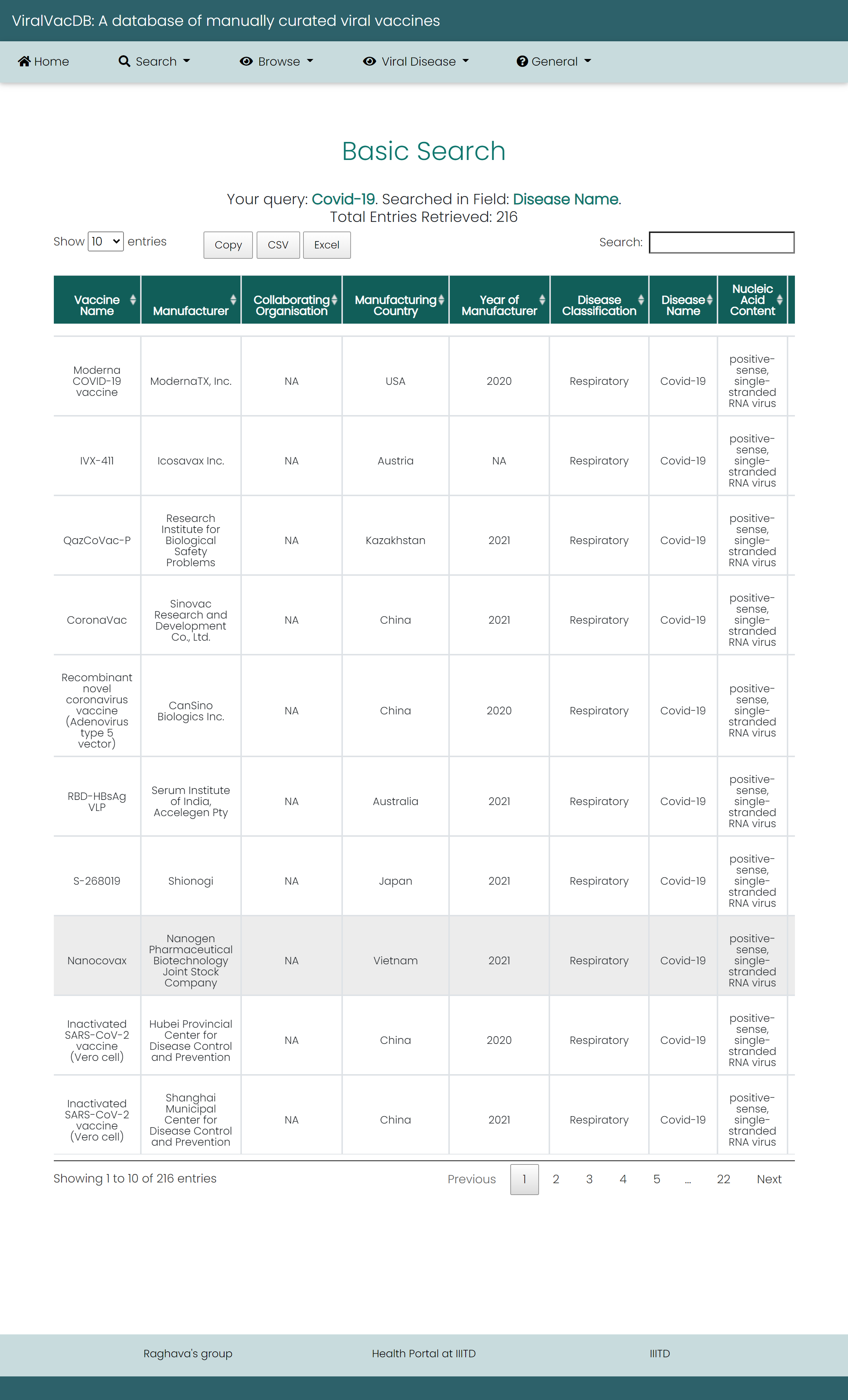
Basic Search
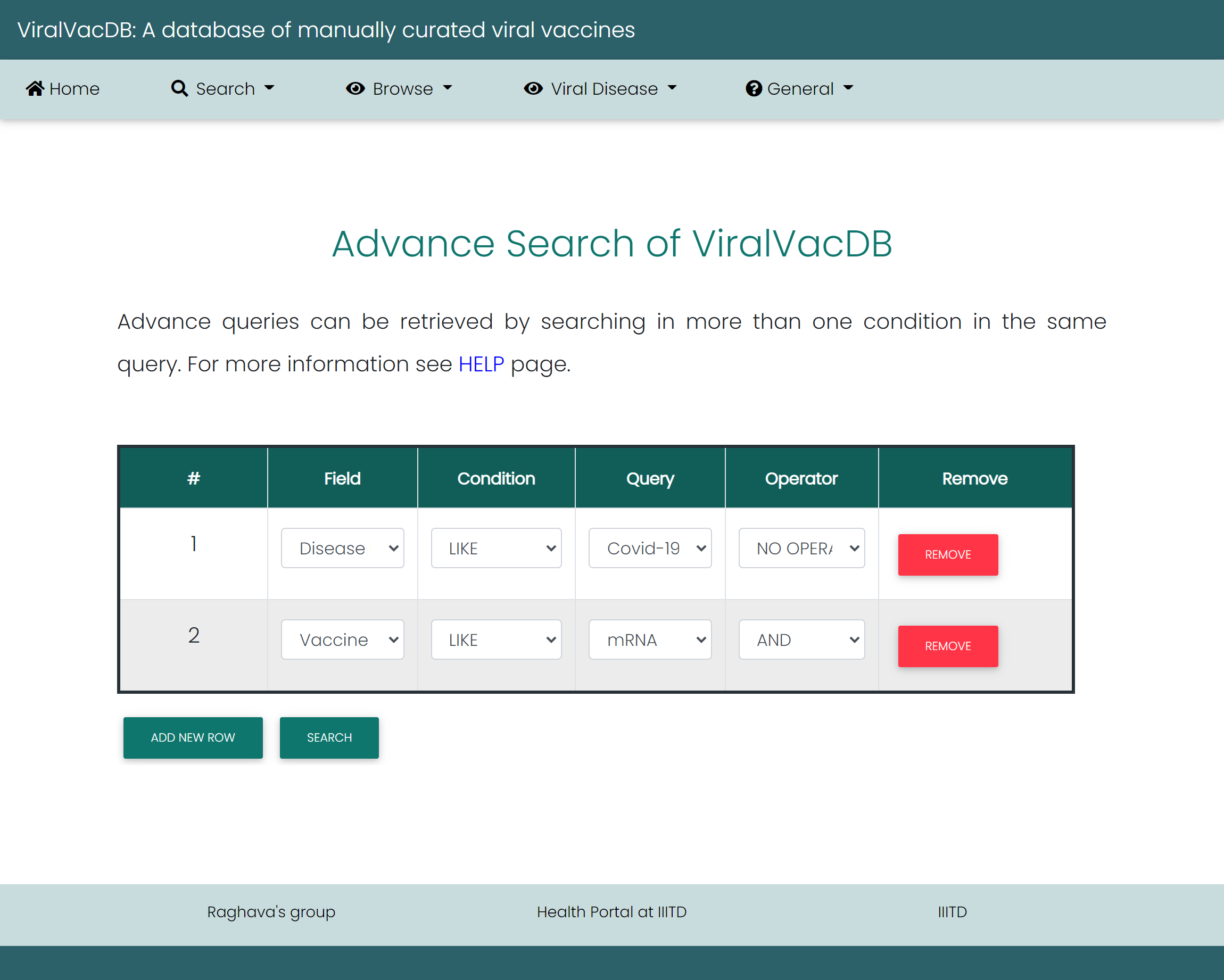
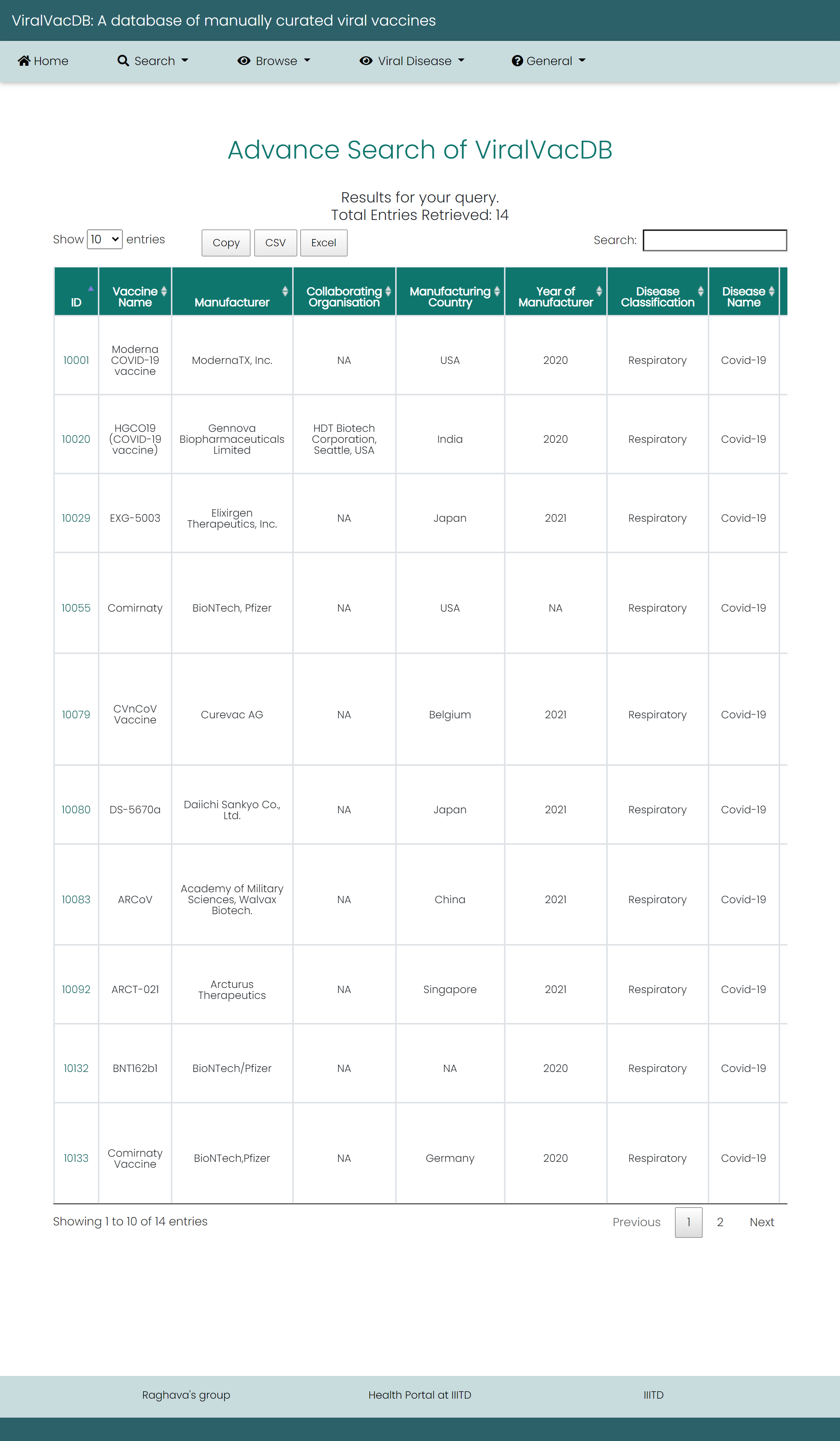
Advanced Search
Browse
Browse by Categories: All the Categories in the database
- Disease name
- Administration Route
- Vaccine Type
- Disease Classification
- Clinical Phase
- Vaccine Status
So if a user wants to retrieve the information about different types of viral disease, user can choose the relevant option from the option box. A user can restrict the fields to be displayed in the Result page. All the vaccines are linked to references that could be either clinical trial ID, pubmed ID. The result screen will show "No record found under specified condition" when no relevant data is found in the database.
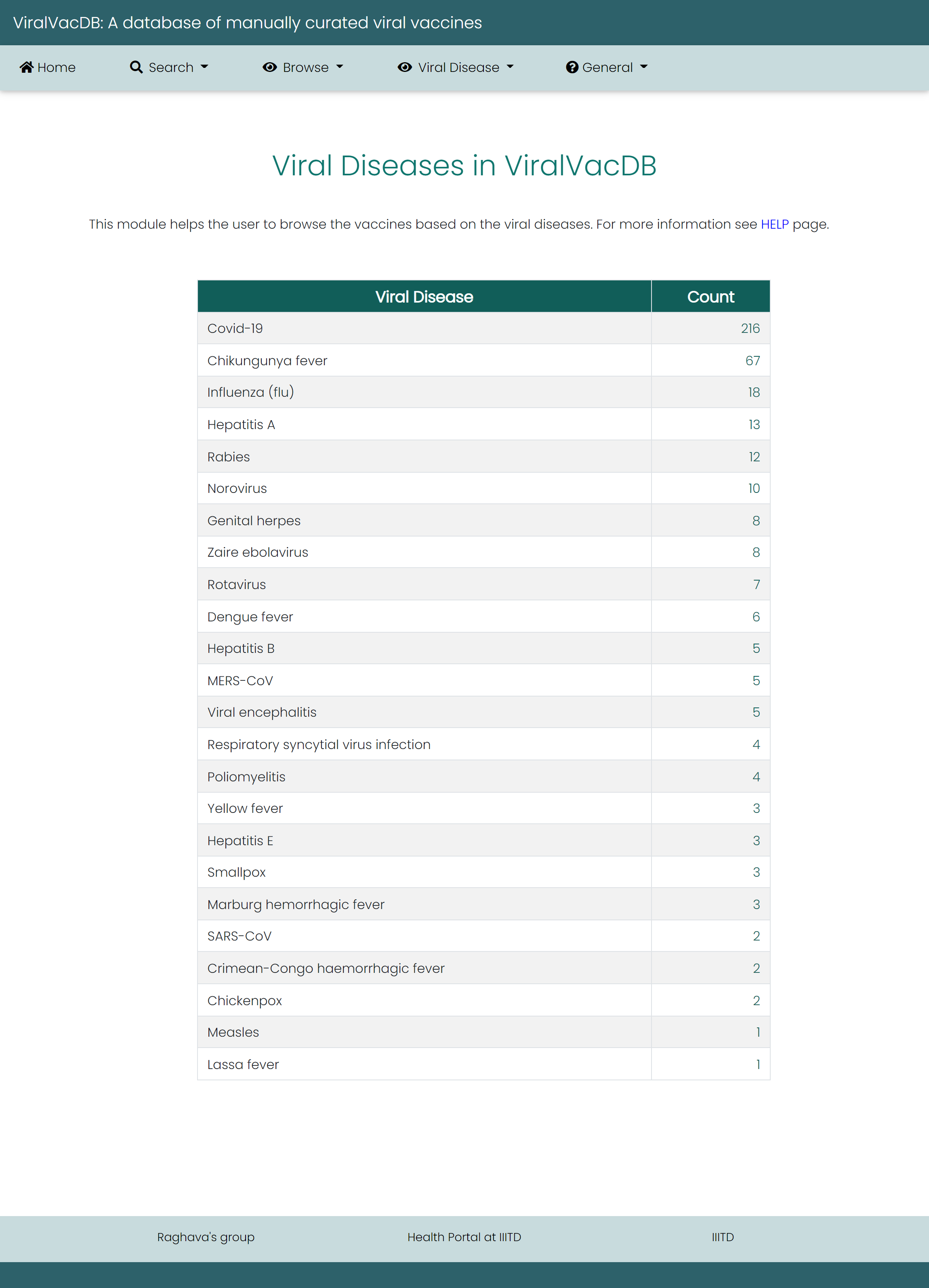
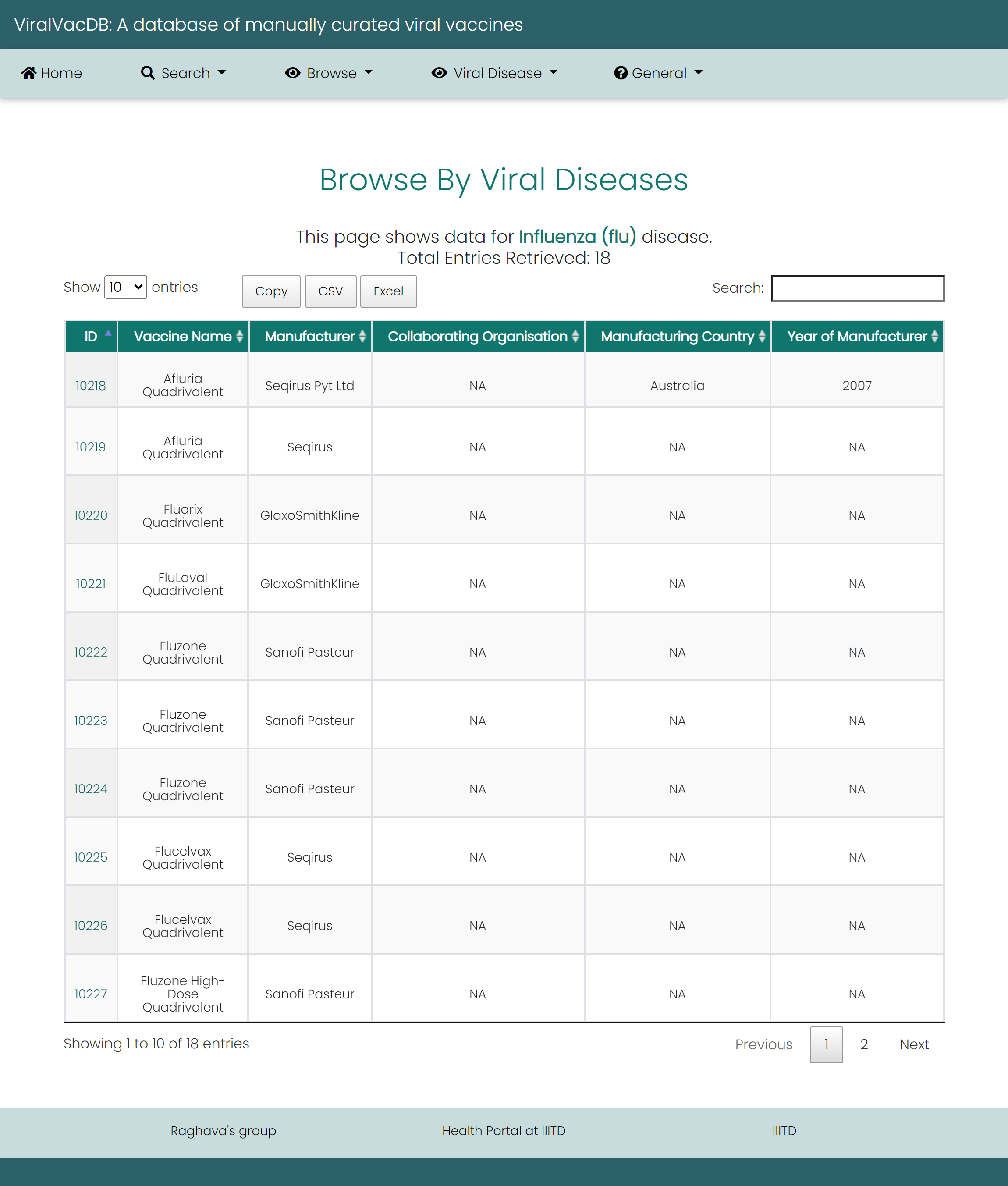
Viral Disease